Unreal Engine, unlocked.
Your Lua project, the live game, and an AI that sees inside it. For developers and modders.
 UnlockedKit
-- Player god mode, press F5 to togglelocal god_mode = falseRun or live-edit a script to see runtime output.
Works with thousands of Unreal Engine games.
Install the Unlocked Runtime into a compatible Unreal Engine game, launch it as normal, and UnlockedKit connects on its own.








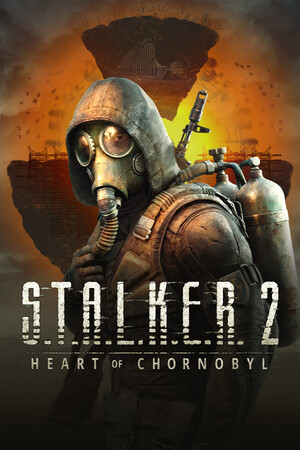
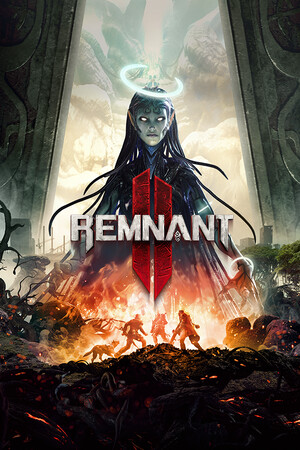



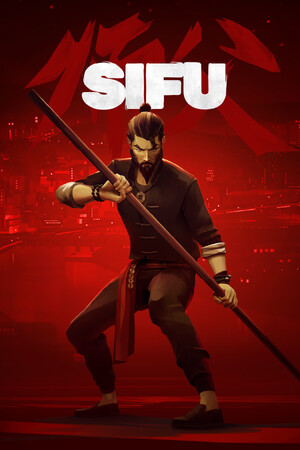
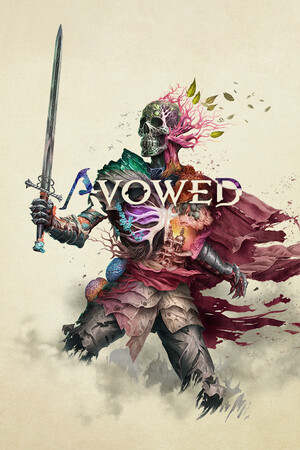
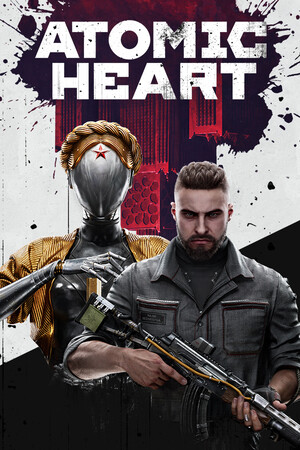
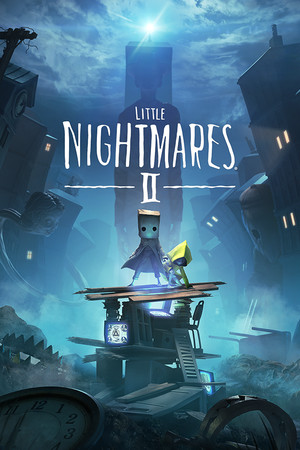
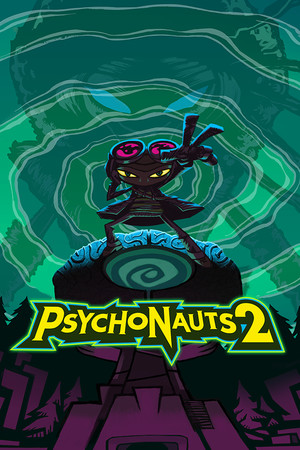

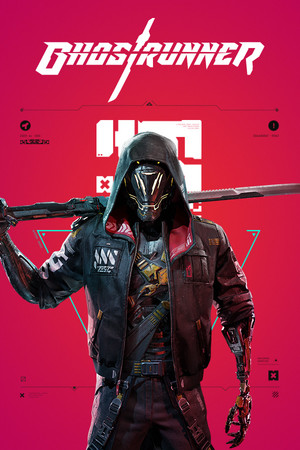
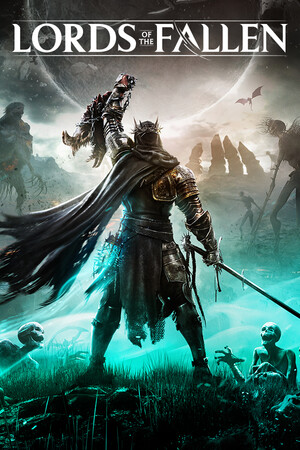
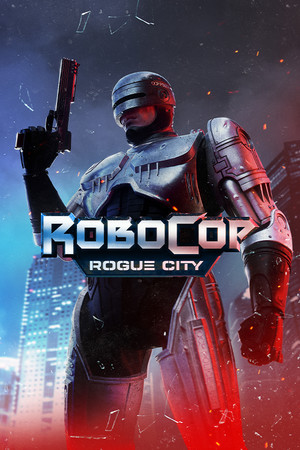

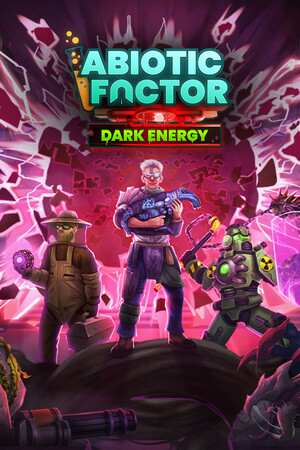
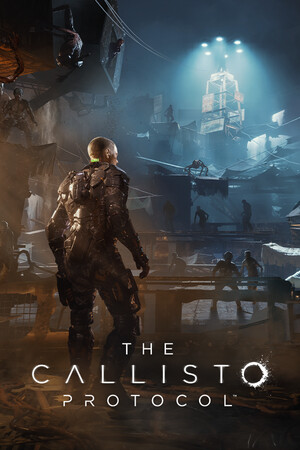




A real Lua API for the running game.
Scripts run in a sandboxed runtime with direct access to the live game. No rebuilds, no restarts.
local player = ue.get_player_pawn()ue.input.bind("F5", function() player.bCanBeDamaged = false ue.log.info("Player invincible")end)ue.input·Bind keys straight to your Lua functions while the game has focus.
An AI that can actually look.
Unlocky can inspect the running game through MCP, understand the project you have open, and make changes directly in your Lua files, with every tool action shown in the chat.
- Inspect live Unreal objects and properties
- Read, create, and edit project scripts
- Use runtime output to diagnose what happened
I’ll compare the current player object with the project code.
The script keeps a reference to the old character. I’ve changed it to resolve the player again after each spawn.
Ask a follow-up…
I added a speed-aware follow distance, so the camera pulls in before it can clip.
Reverse at full speed to try it. The distance eases back out as you straighten up.
Your context doesn’t disappear when you close the app.
Signed-in conversations are saved to your UnlockedEditor account and cached locally, so you can pick up the thread later, even through a temporary connection drop.